
How the Certificate Download Page Looks
This sample preview helps participants understand how the certificate download screen appears after verification.
This is a sample visual guide. The actual certificate download page will show your own verified certificate and event details.
Step 1
Open the certificate download page.
Step 2
Enter your registered email address and receive OTP.
Step 3
Verify OTP and select your event if more than one is available.
Step 4
View the certificate, then download or print it.
|
|
|
|
Sample Preview
Your Certificate
Event: EC000277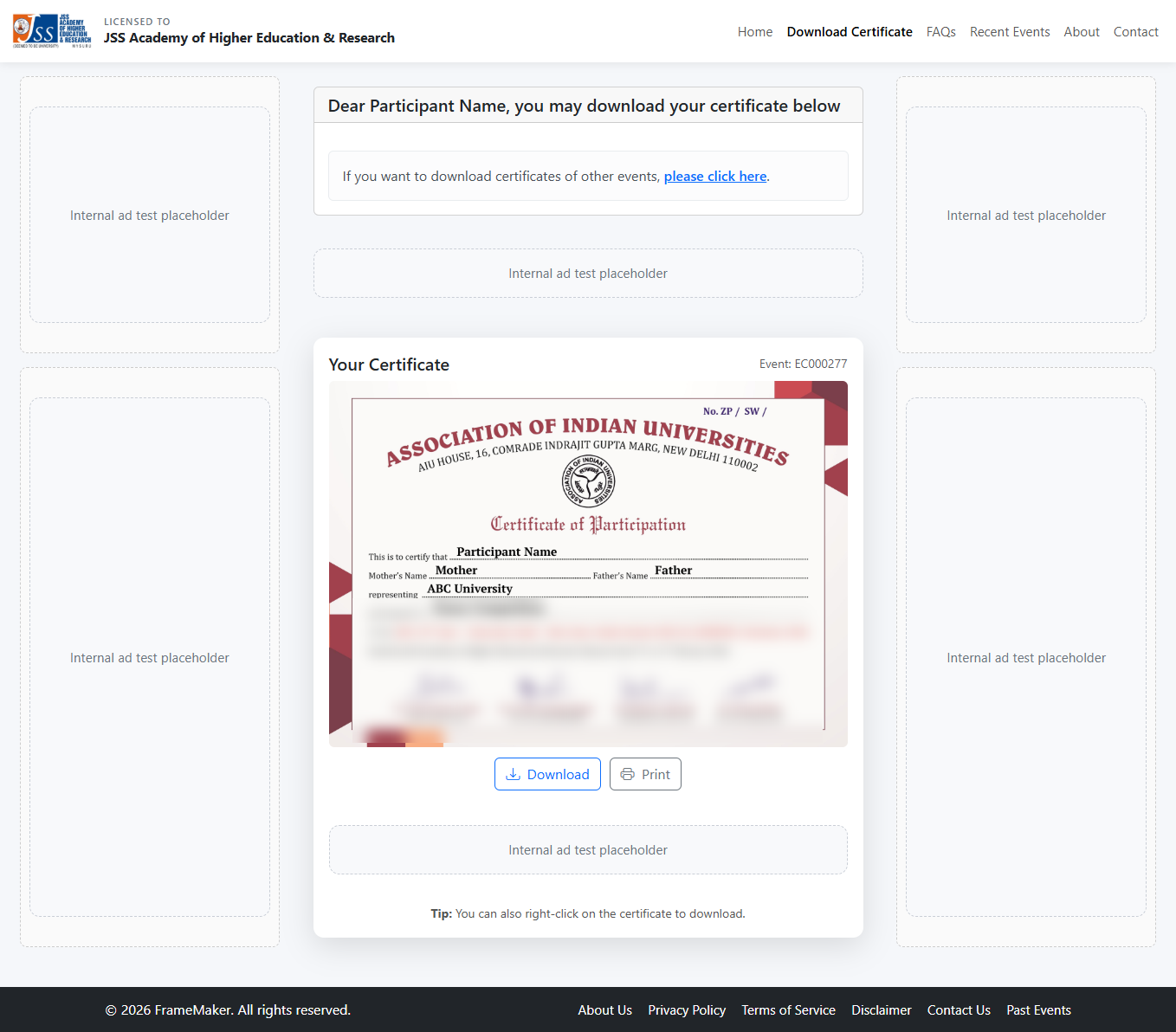
Tip: You can also right-click on the certificate to download.
Important Notes
- This page is only a visual sample for guidance.
- The certificate shown here is a preview image with sensitive signature details softened.
- The actual download page will show your own event and certificate after verification.